
What players say
Creative Coloring World delivers exactly what its name suggests: a free, browser-based coloring activity with a block-style visual theme. The absence of scores, timers, and registration keeps the focus on color choice and experimentation. Undo and restart options make mistakes harmless. The main limitation is that the experience depends entirely on the available image collection, which may expand over time. It suits children, families, and adults seeking a quiet, no-download creative outlet.
About this game
What You Actually Do
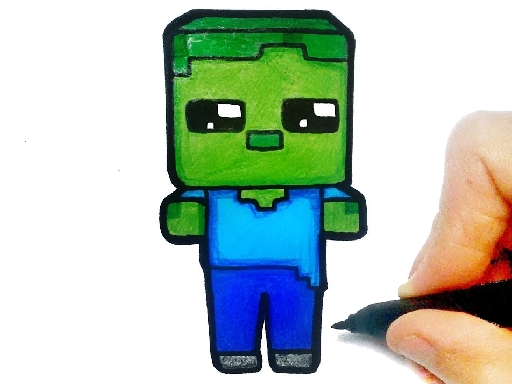
Creative Coloring World presents a collection of block-style images. After browsing the available pictures, you select one and fill its areas with colors from the on-screen palette. Tapping or clicking an area applies the chosen color instantly. There is no score, timer, or competitive element, so the only goal is the coloring itself. The block-style theme gives the images a familiar, structured look that fans of that visual style will recognize.
Controls and Error Recovery
The game supports both mouse and touch input, so it runs on computers, tablets, and phones without extra setup. If a color choice does not work, an undo button reverses the last action, and you can restart the entire picture at any time. This makes experimentation low-risk: you can test different shades and combinations without losing progress permanently. The interface places the palette on the side of the screen, keeping the image area clear and the workflow simple.
Who It Suits and How It Fits Your Time
Because there are no timers or scores, the pace is entirely self-directed. A single session can last a few minutes or an hour, depending on how much detail you want to add. The family-friendly images and lack of downloads or registration make it accessible to children and adults alike. New images may be added over time, so the available collection can expand. Finished artwork can be saved and shared with others.
Compatibility
FAQ
Player comments
Sign in to comment
You must be logged in before posting a review or rating.
No comments yet. Be the first to comment!










Editorial Notes